
A new look for a photo you have
ChatGPT Photo Editing Prompts
Choose a new setting, a different outfit or a playful redraw, using your photo as the starting point.
These prompts call for a reference photo. The examples show the intended composition or style; paired originals are unavailable, so they do not demonstrate identity preservation or before-and-after results.
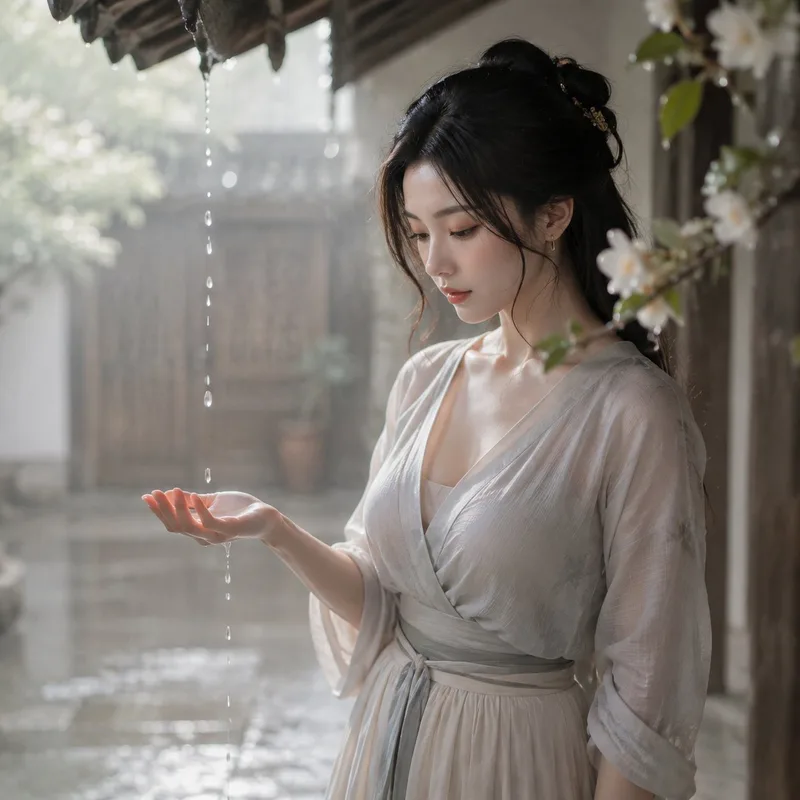
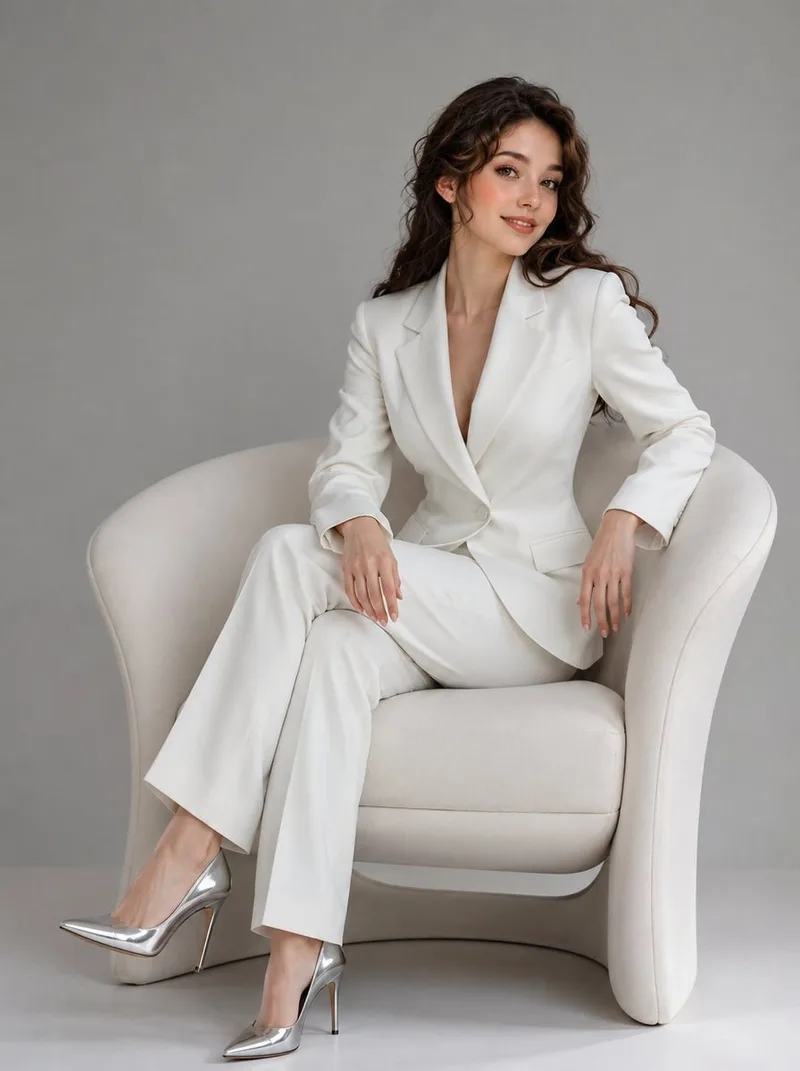
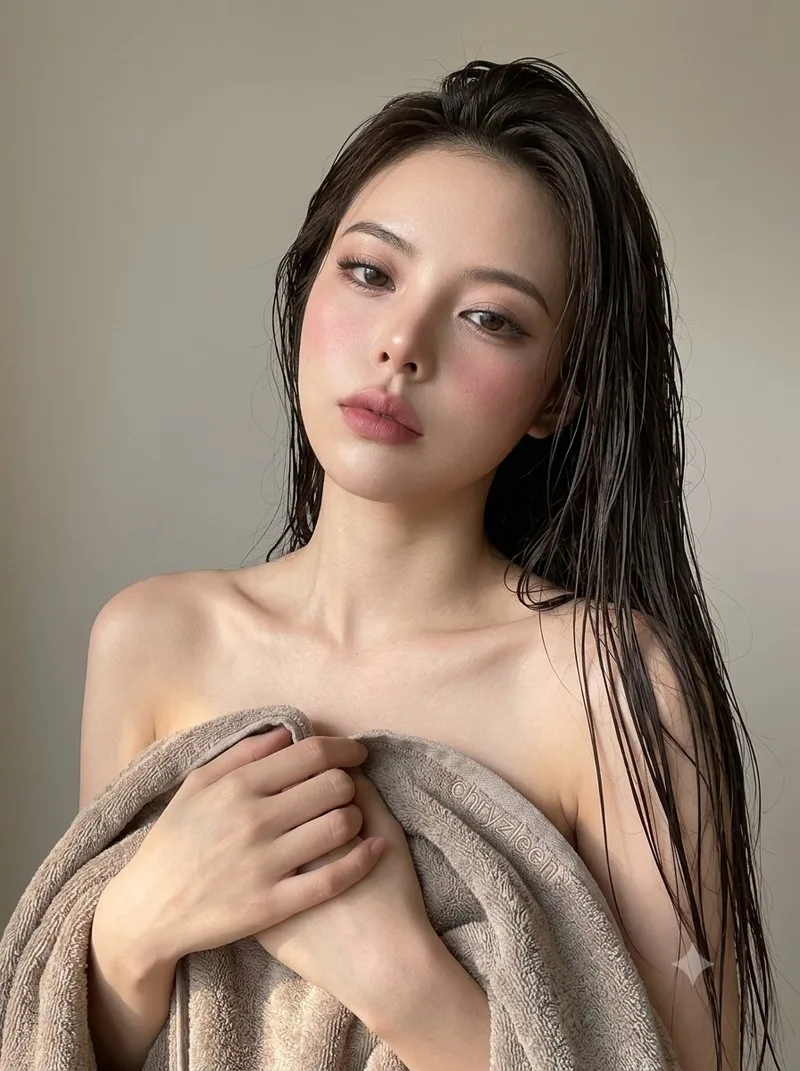
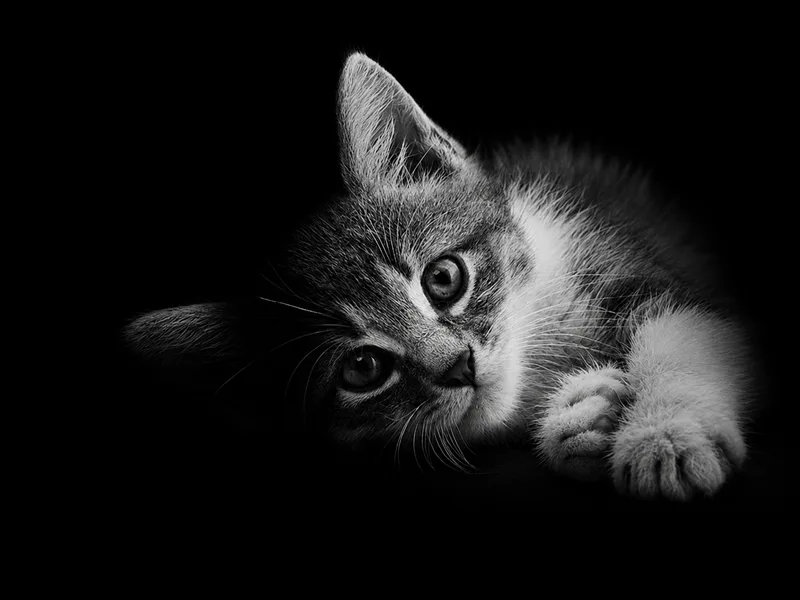
Curated prompts
Choose what to change
Portrait reference
Change the setting, outfit and light
Explore a softly lit courtyard, a seated white-suit portrait, a wet-hair beauty close-up or a side-lit cat. Inspect the face, hands or animal silhouette after each edit.
Cat photo reference
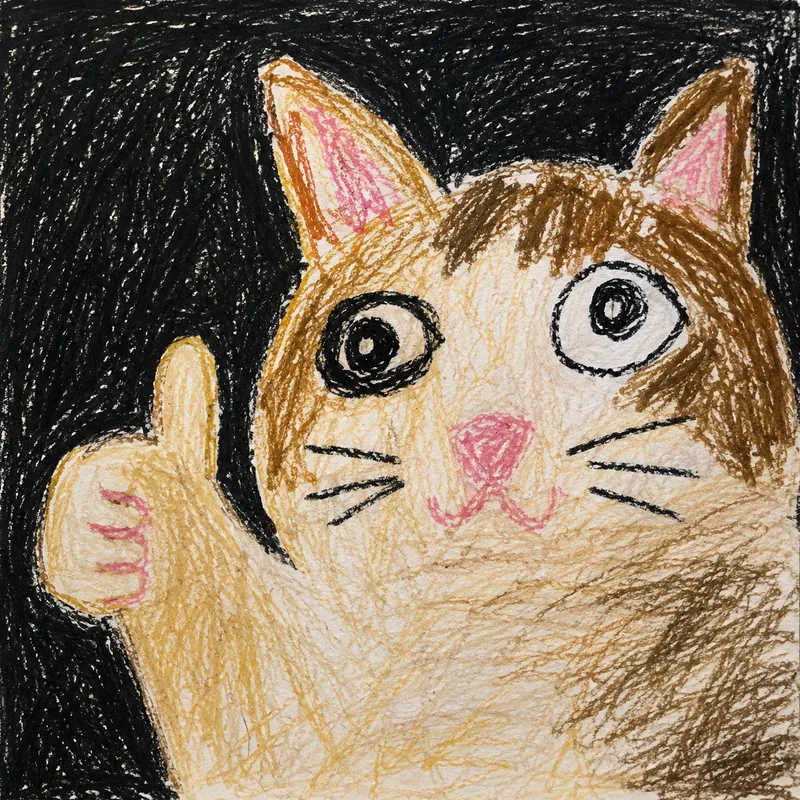
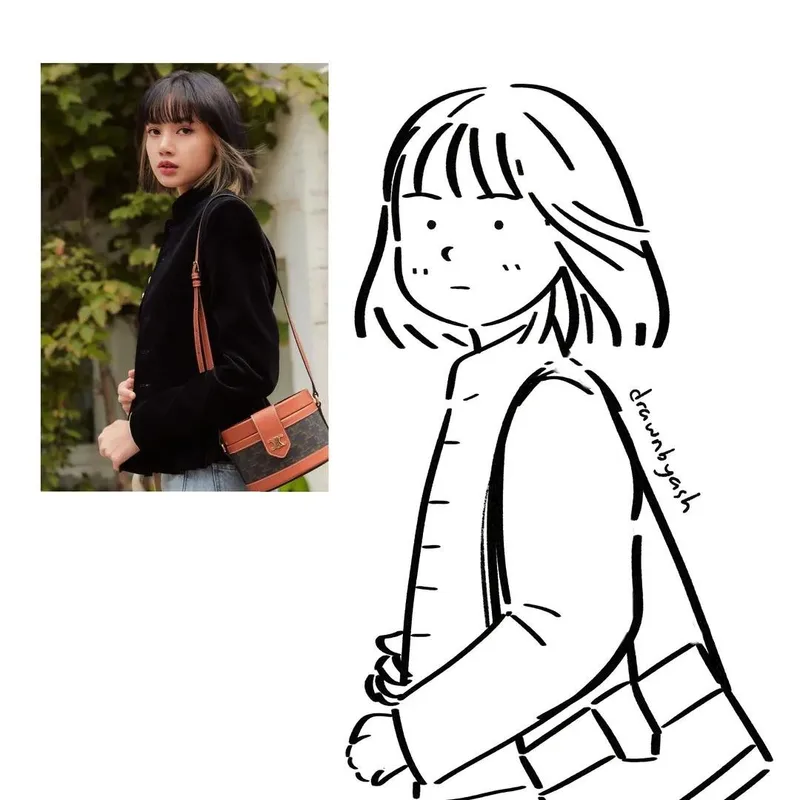
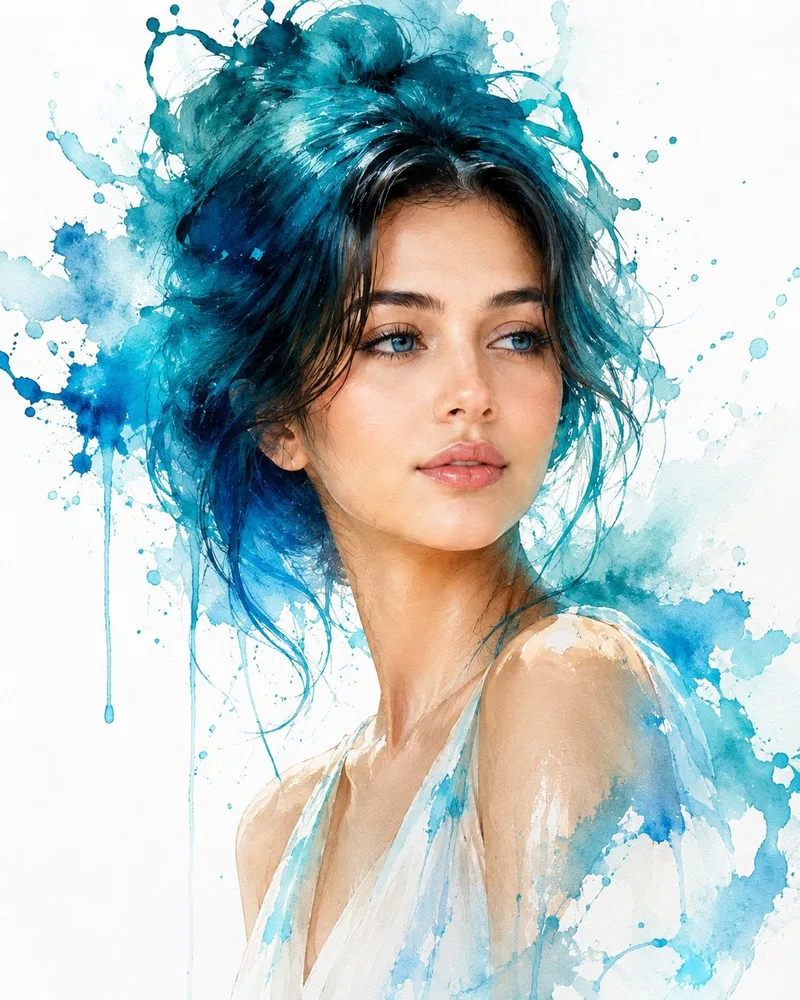
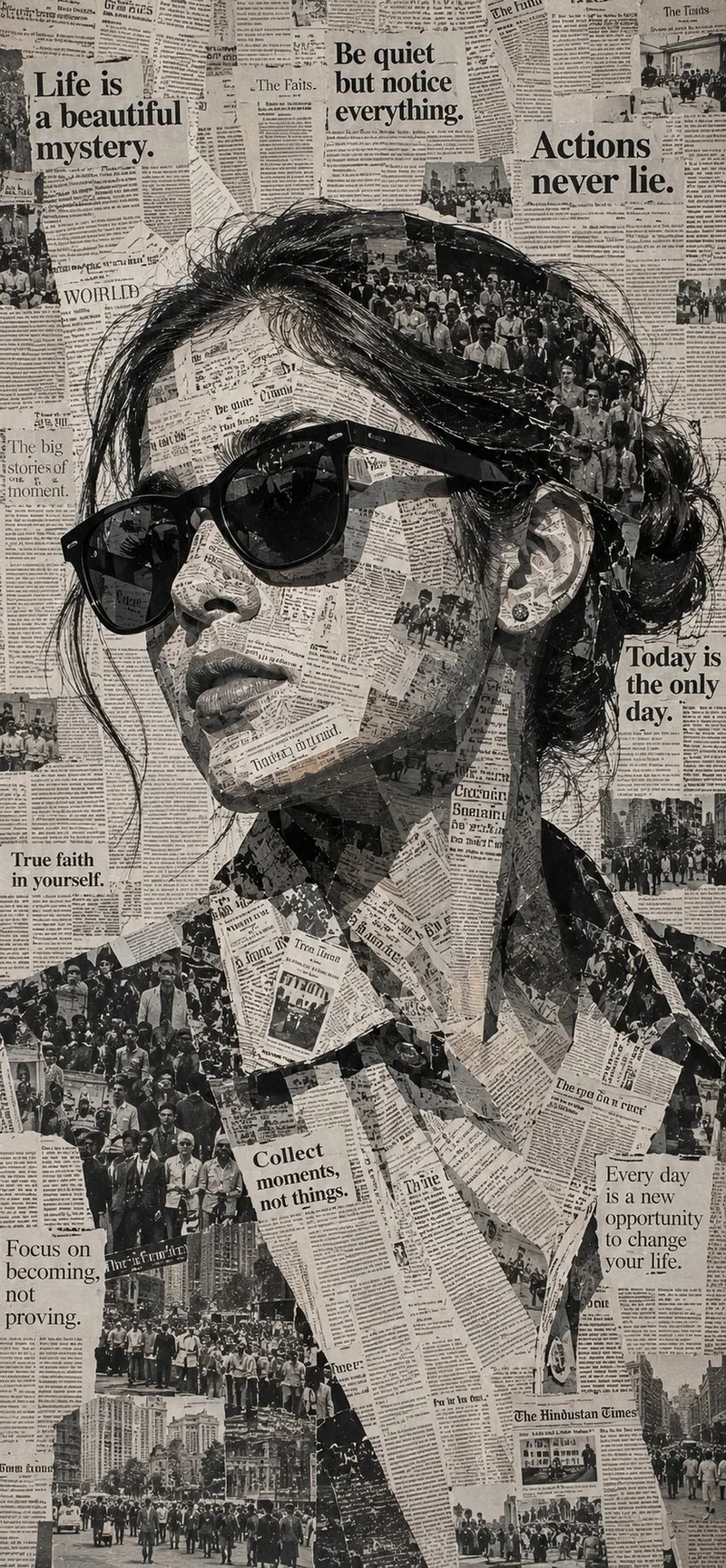
Redraw a photo in ink, watercolor or collage
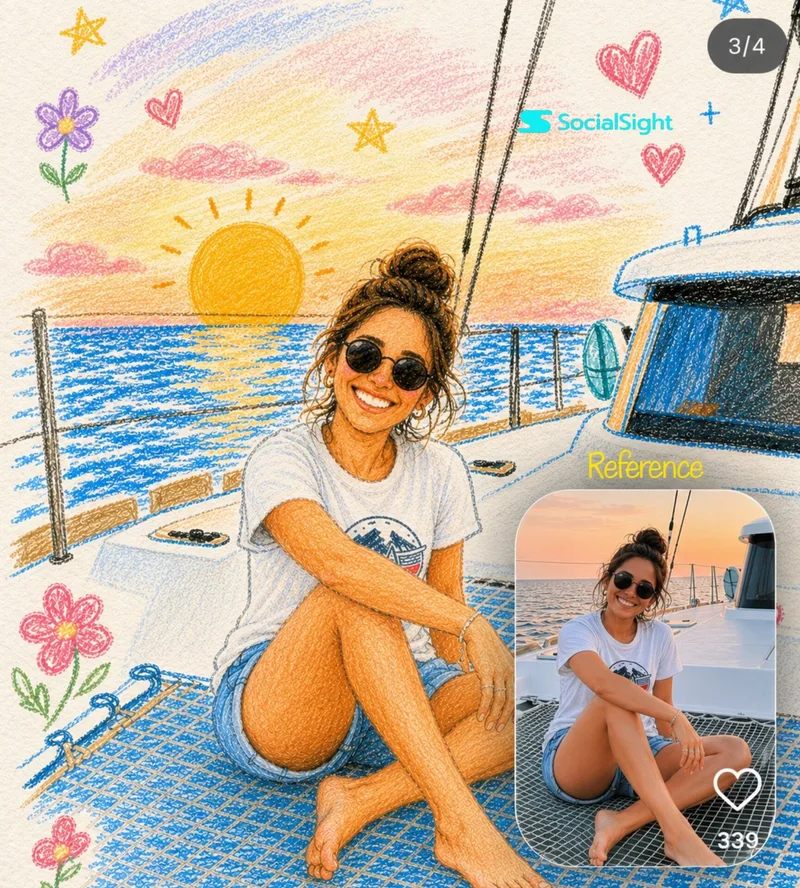
Choose a crayon cat, black-ink portrait, watercolor splash, newspaper collage or colored-pencil illustration. Only the ink and pencil examples include reference insets; do not treat the other examples as before-and-after comparisons.
Before you edit
Give the reference photo a clear editing goal
Each detail page includes the complete prompt and its input requirements. Use the available image controls on the page, or copy the prompt into a compatible image tool.
- 01
Choose a photo you can use
Use a clear portrait or cat photo. A text-to-image example without a reference requirement serves a different task.
- 02
Change one main element first
Choose the setting, outfit or drawing style first, then refine the remaining details without conflicting instructions.
- 03
Inspect the result
Inspect likeness, anatomy, clothing edges and background details. A prompt describes the goal; it does not guarantee the outcome.
Explore more image prompts
Find more examples and complete prompts for your next project.