Do I need a reference image?
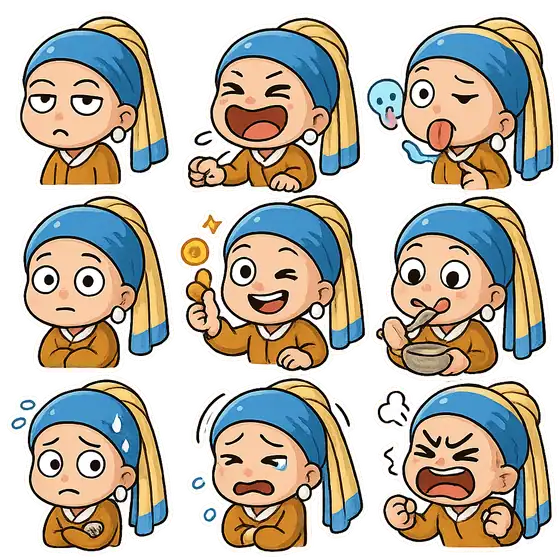
The animal selfie and four new prop examples start from text. The photo breakout, bobblehead, couple portrait and reaction stickers use a photo or character reference. Each video detail specifies its inputs.

Make the joke visual
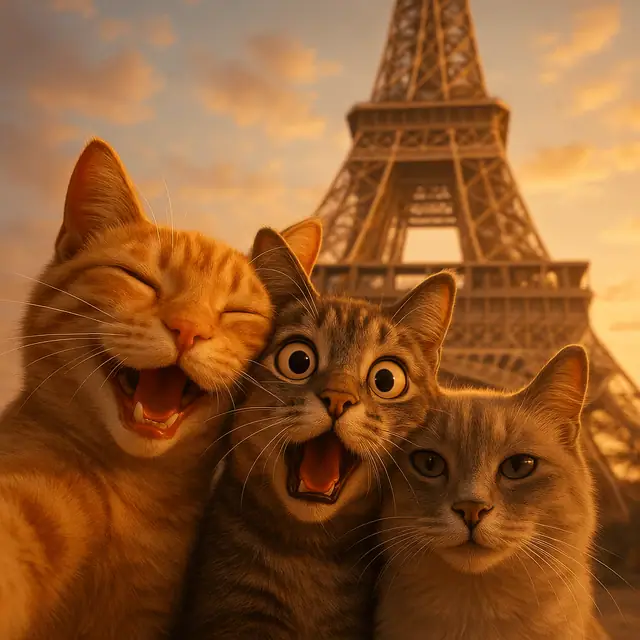
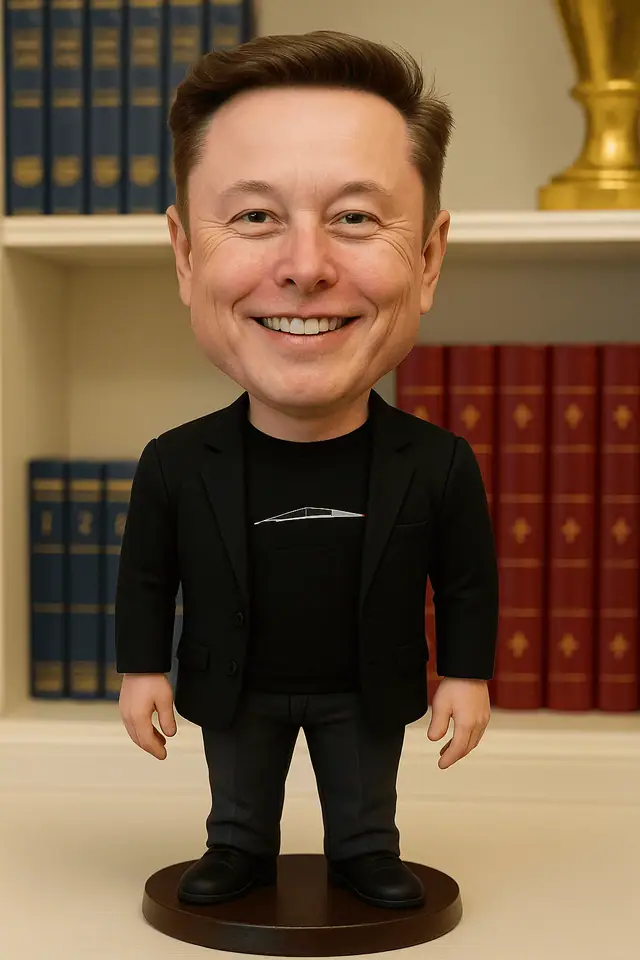
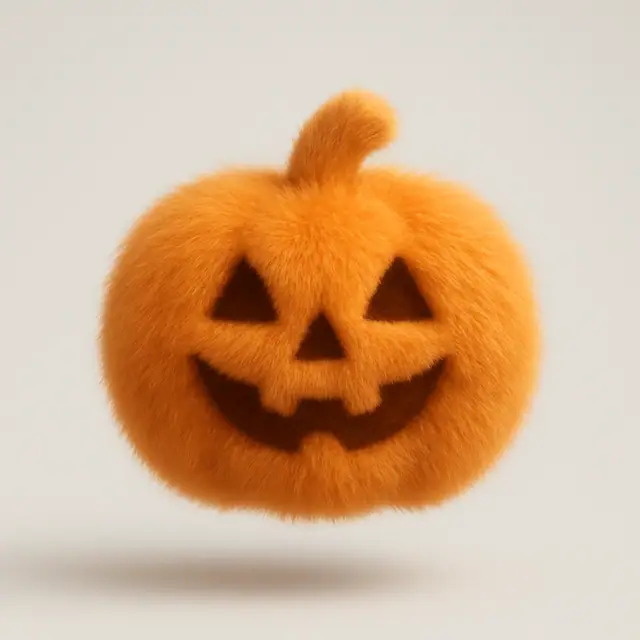
Three cats crowd a selfie. A tiny body gets a giant head. A cat refuses to let the door close.
Open any detail for the image or video and its full prompt. Nine image ideas cover character transformations and exaggerated props. Five shorts demonstrate deadpan timing, prop setups and action reversals.
Published visual results · Complete image/video prompts · Creator and license credit
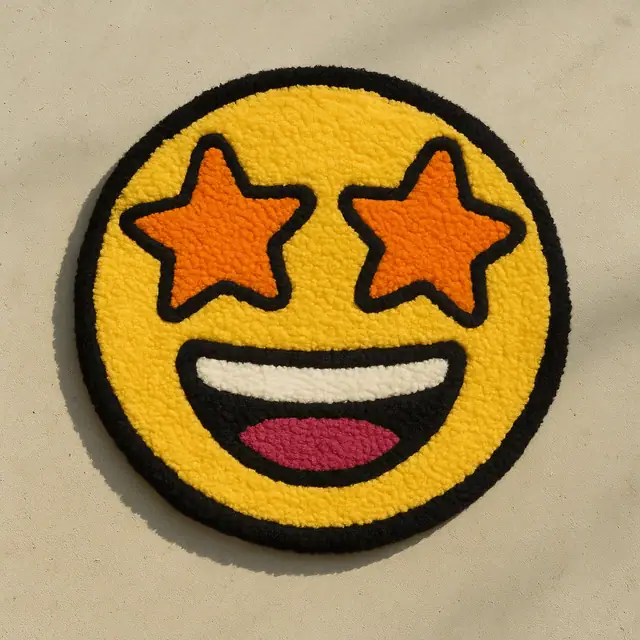
Curated prompts
Five licensed source images
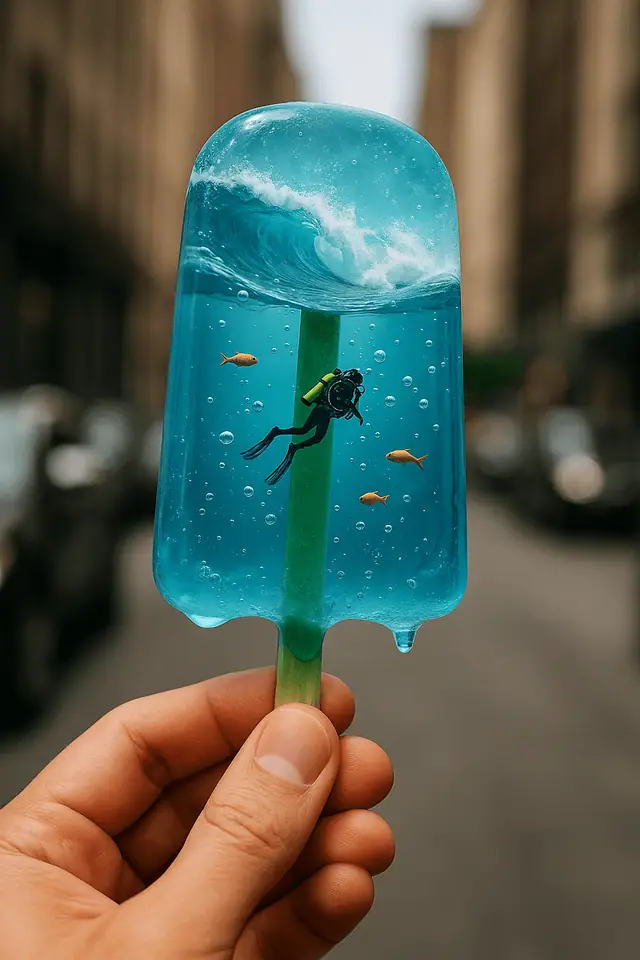
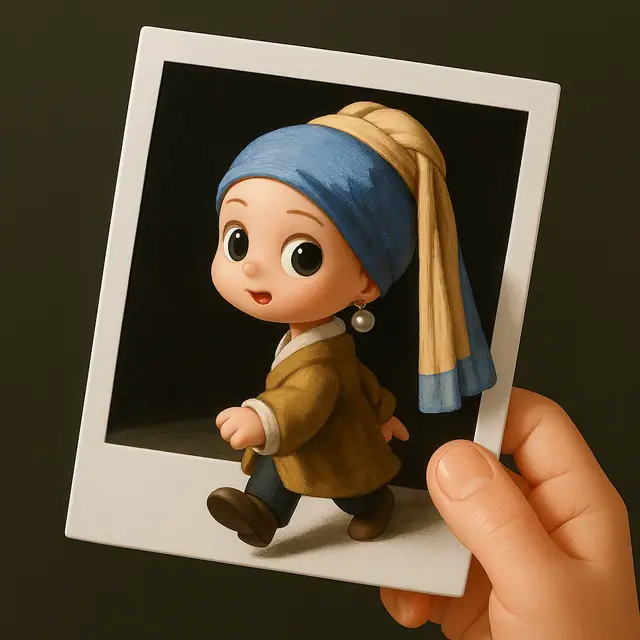
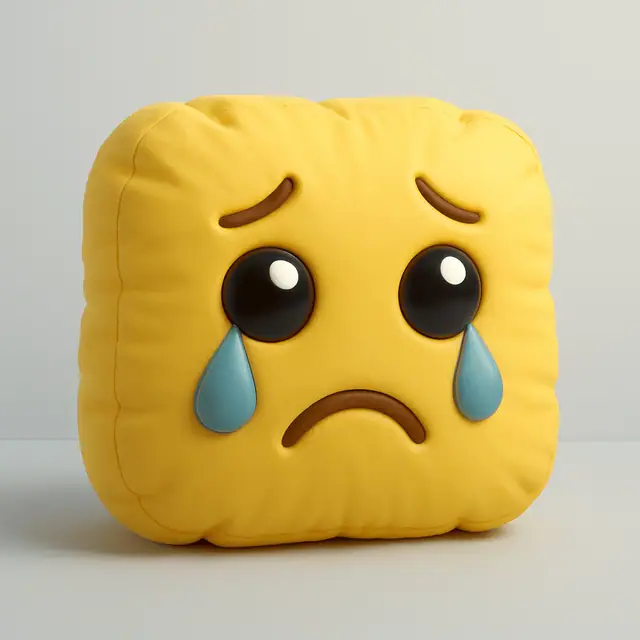
Step out of a photo, turn a crying face into a cushion or put a tiny ocean in a popsicle. The details explain which examples use references and where the source images differ from the templates.
Character transformations and reactions
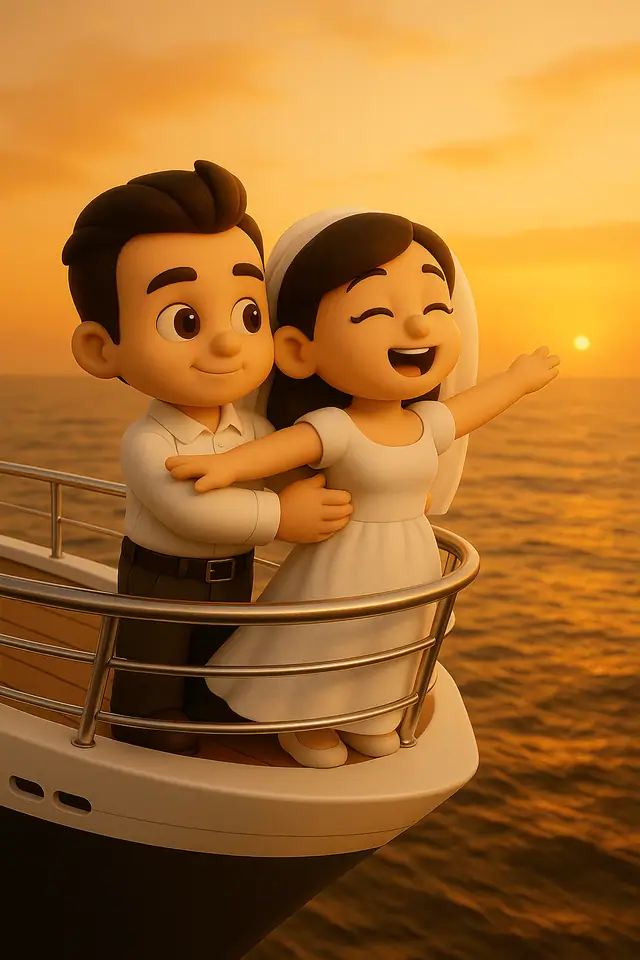
Each idea has a published source image and a complete on-site prompt. Animal landmark selfies start from text; figures, couple portraits and stickers need your own reference image.
More comedy from the video library
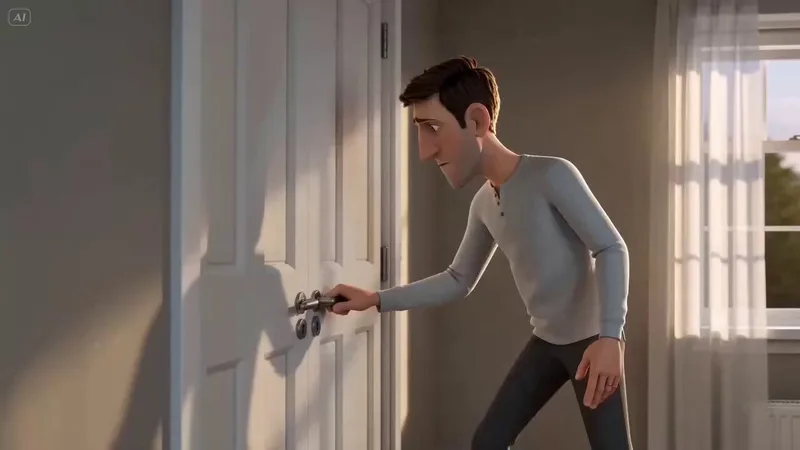
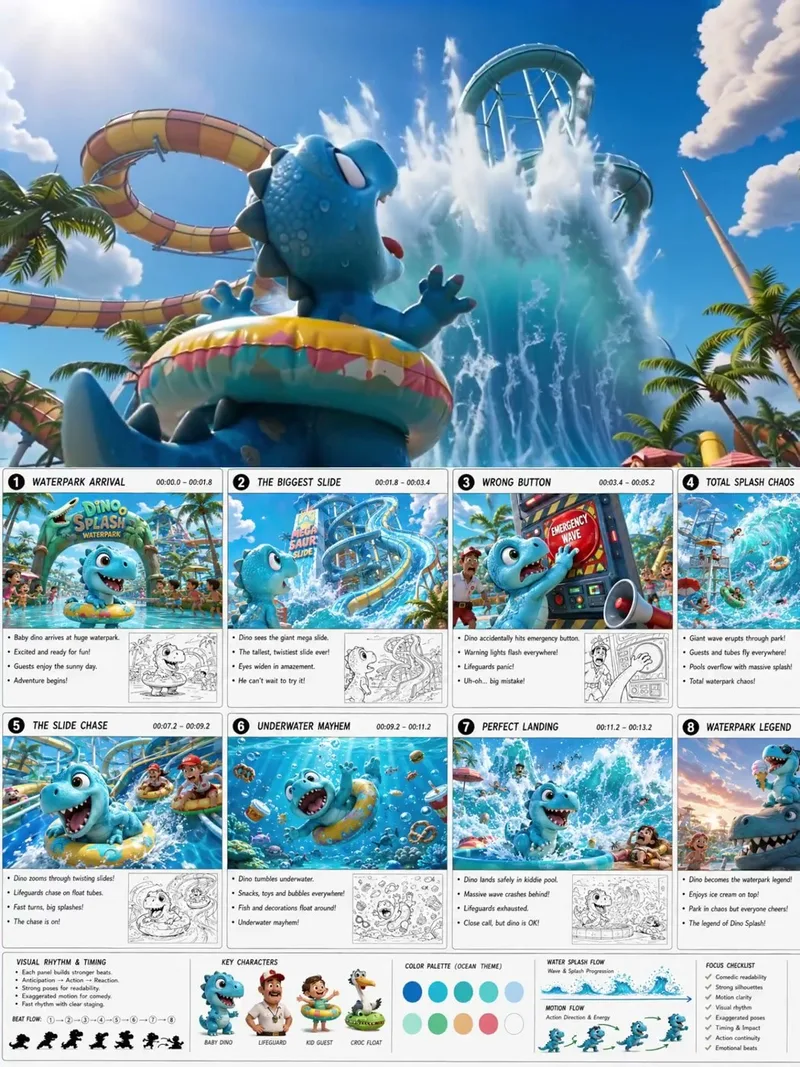
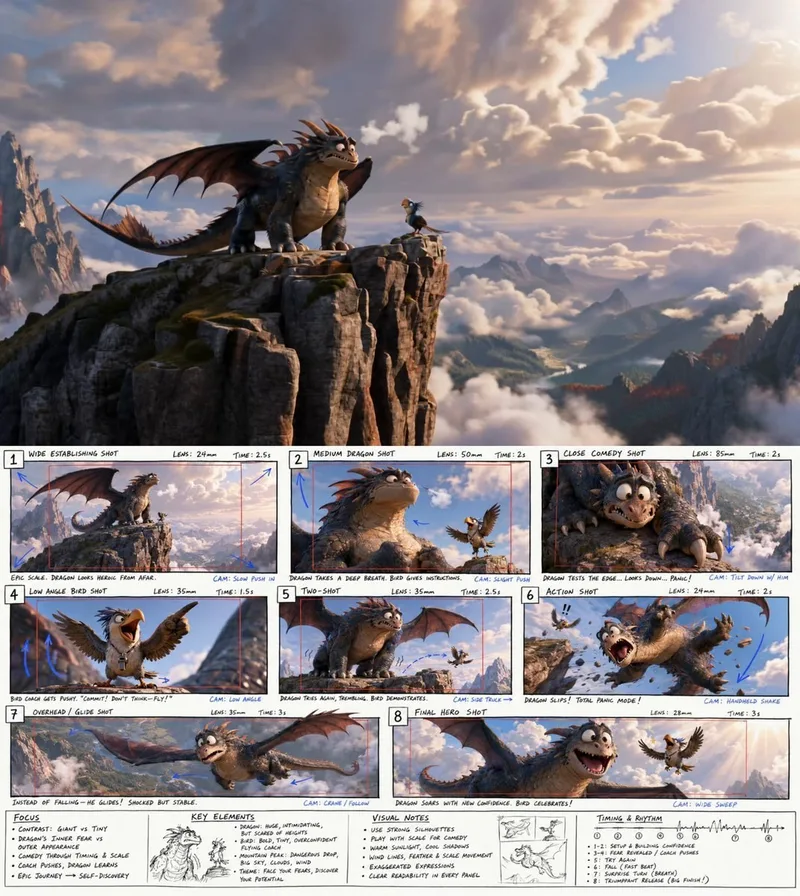
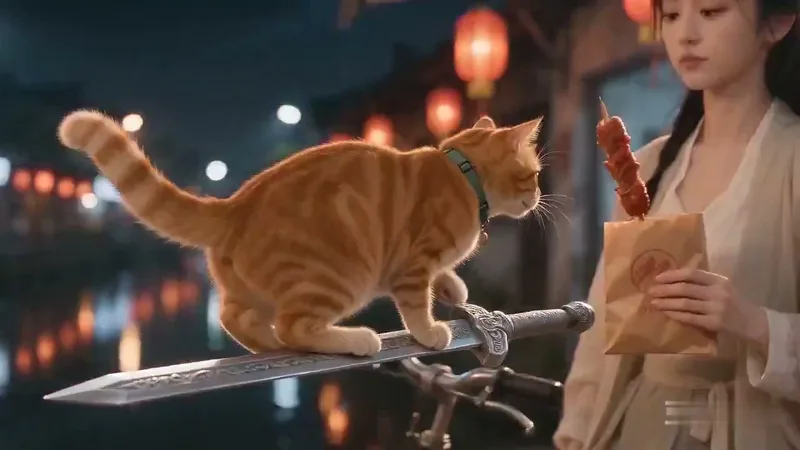
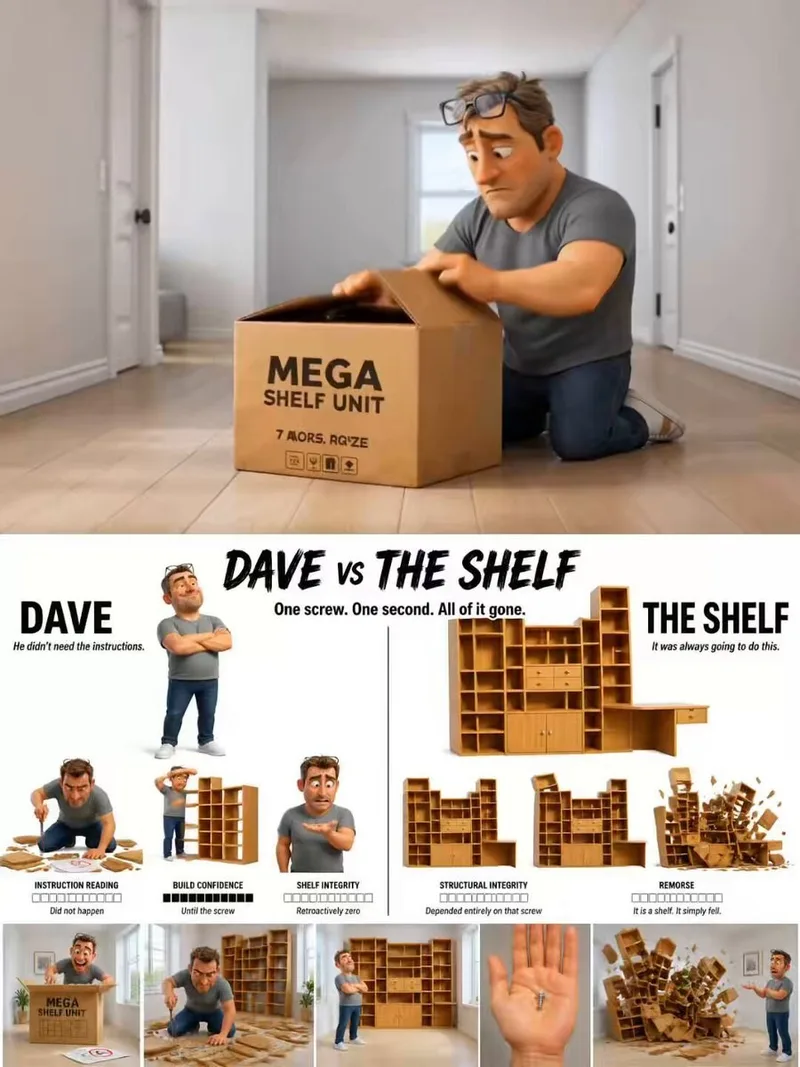
The door-blocking cat uses pauses, the dinosaur escalates a wrong-button gag and the dragon plays on scale. The sword-riding cat trades mythical spectacle for sausage. The collapsing shelf plants the joke in one leftover screw. Details keep the videos, prompts and input requirements.
Start creating
Choose a still image, a sticker sheet or a short video, then prepare the inputs listed on the detail.
Look at expressions, proportions and character–prop relationships to decide what makes the image funny.
Use people or characters you may upload. Follow video storyboard stages in order; a static grid is not a finished clip.
Edit the subject, setting and action on the detail. Keep the composition and joke intact before changing the background or style.
The animal selfie and four new prop examples start from text. The photo breakout, bobblehead, couple portrait and reaction stickers use a photo or character reference. Each video detail specifies its inputs.
New images come from individually attributed Awesome GPT-4o Images cases. Images are by jamez-bondos and prompt templates have separate authors. Details credit both, link CC BY 4.0 and explain adaptations; public templates are not exact request logs.
Sources use different tools. Video cases preserve source-reported tools, without inventing undisclosed model versions. Image and video prompts are separate; on-site trials are available only for supported image workflows.
Find more examples and complete prompts for your next project.