

Did Prompt Maker generate these animations?
The GIFs come from published repositories by conanssam and ailingqu. Each detail gives its source, creator credit and MIT or CC BY 4.0 license.

10 animated creator examples
From reaction stickers to subtle cinemagraphs, watch the loop and then copy the prompt.
Every detail plays the original GIF and describes its inputs, loop seam and measured file settings. The coffee cat and owl also include source sheets for comparison with native output.
Creator results · Original prompts · Per-case attribution and licenses

Curated prompts
Check expression and gesture
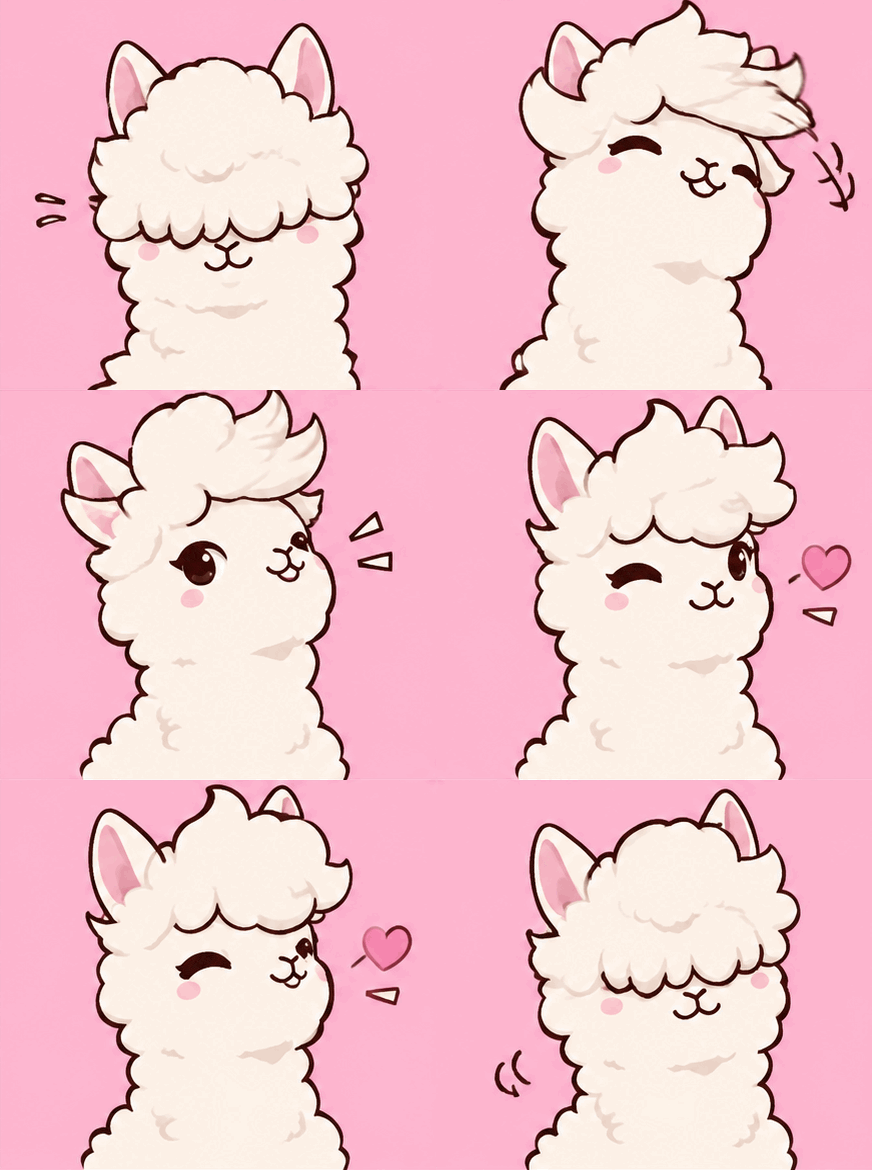
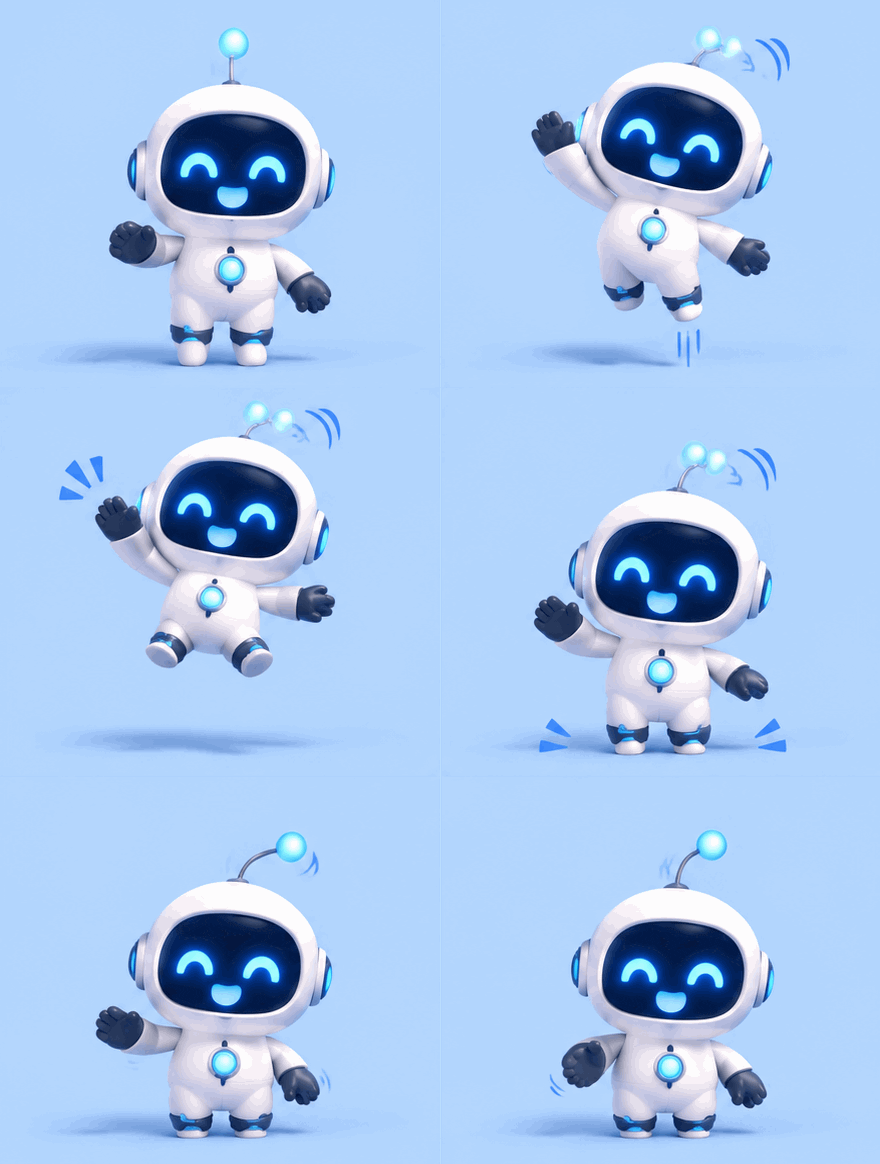
Compare a hair flip, a cactus changing its mind and a robot’s small hop. Each makes a different action readable at sticker size.
Lock the camera and limit movement
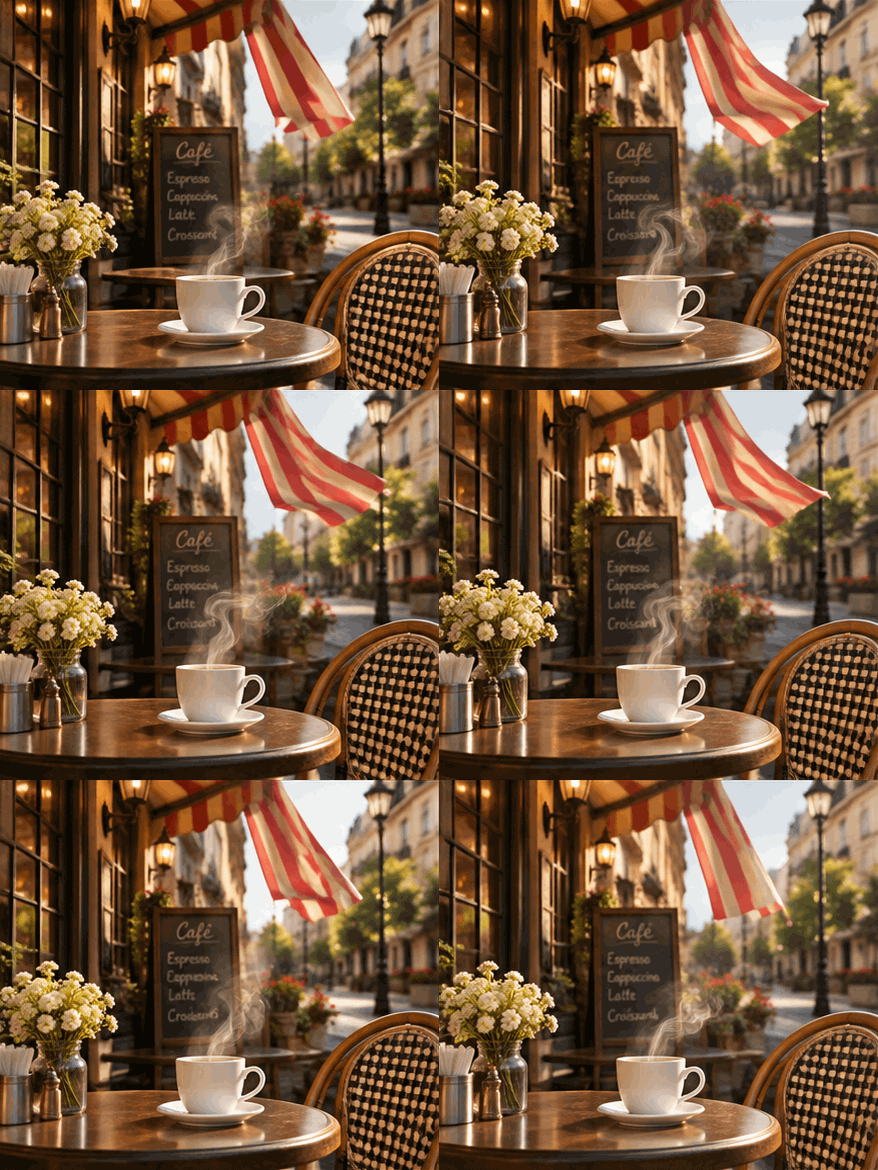
Coffee steam, lights near a bonsai and a beaker vortex each animate one part of the scene. Inspect the stationary objects and the loop boundary.
Compare staggered motion and progress states
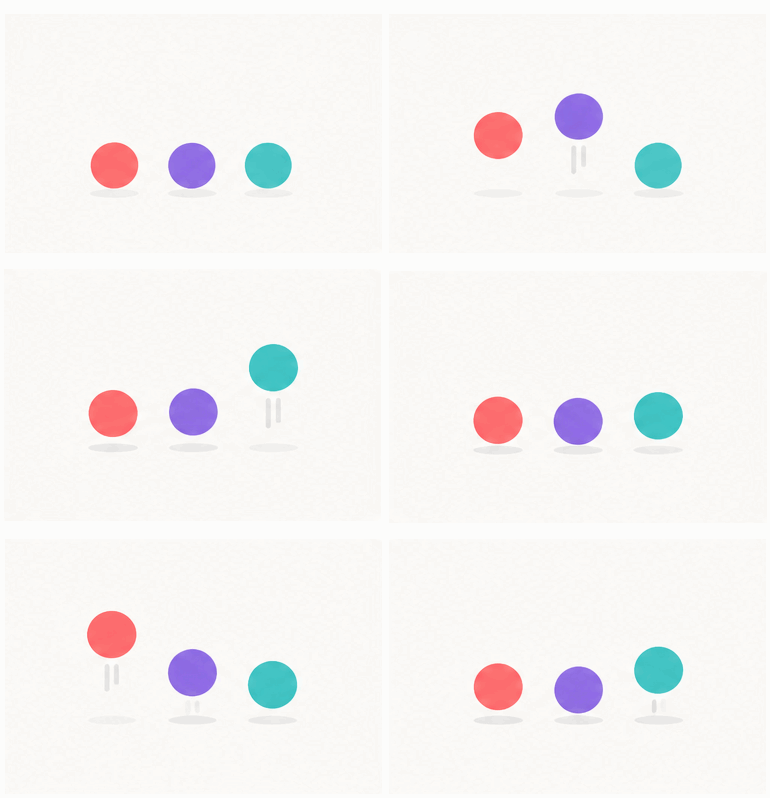
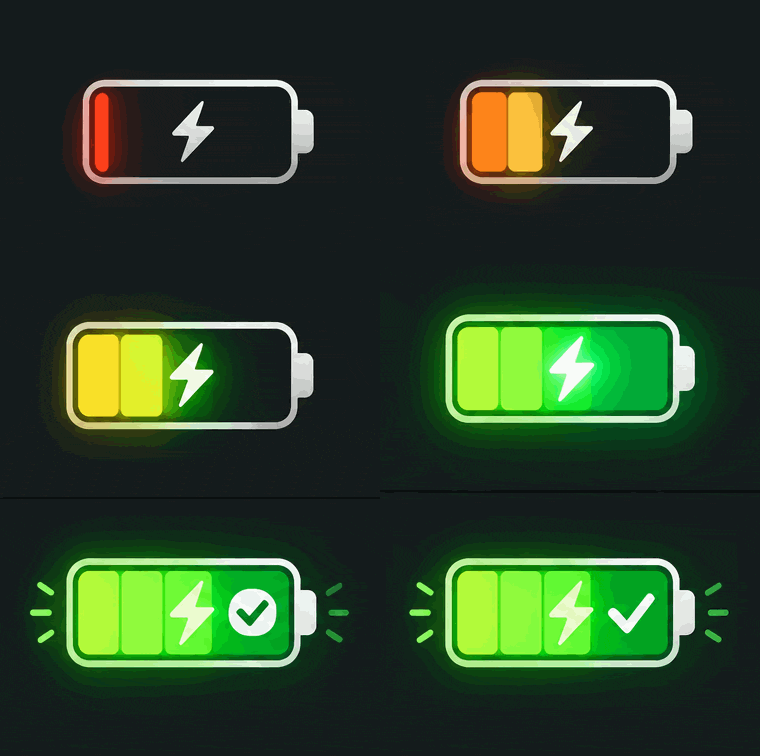
The dots loop by staggering their beats. The battery demonstrates a complete charge cycle and then resets.
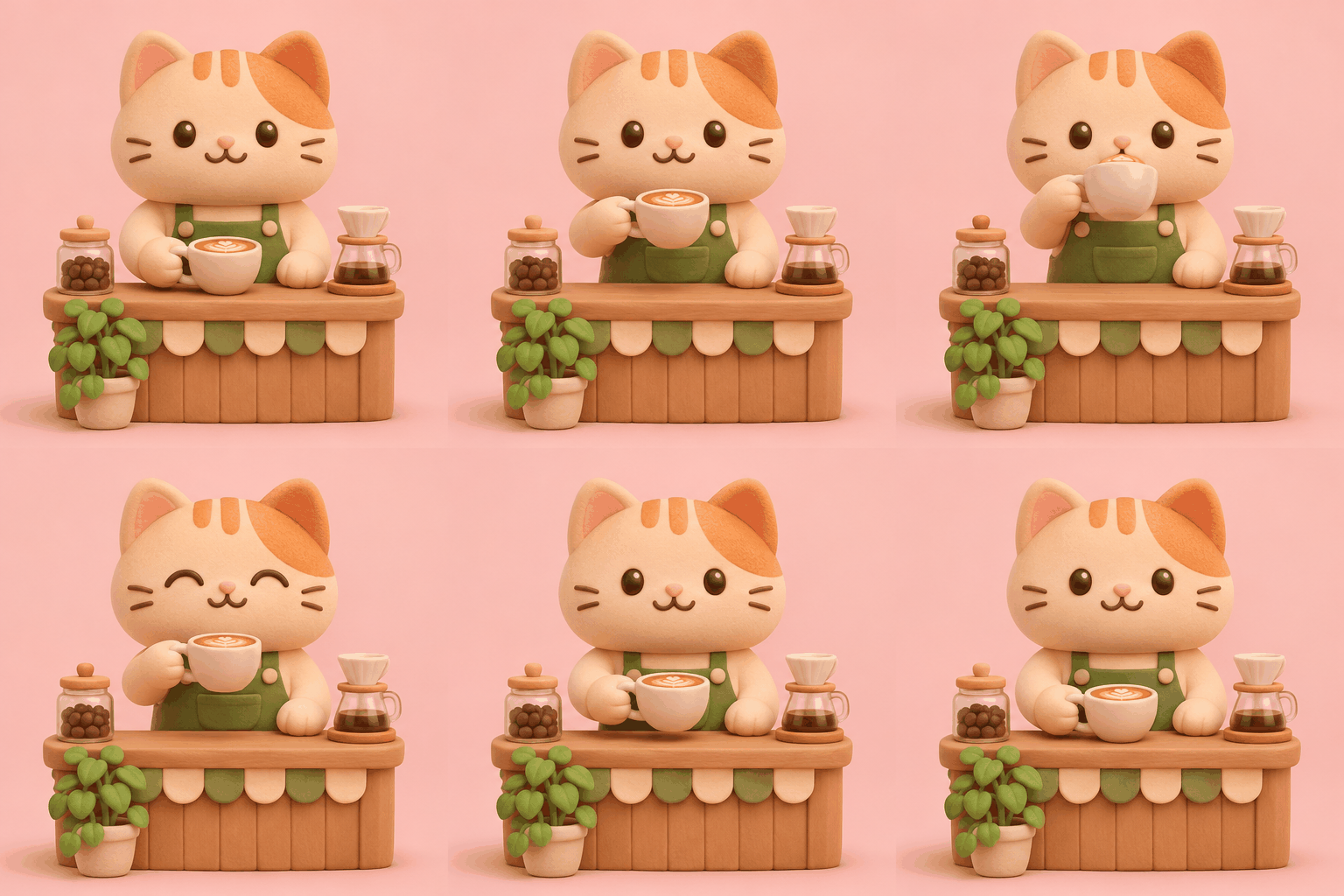
Lift → sip → smile
Watch the six-frame result, then inspect the original 3×2 sheet. The complete prompt defines equal cells, action order and a return pose; assembly makes it animate.
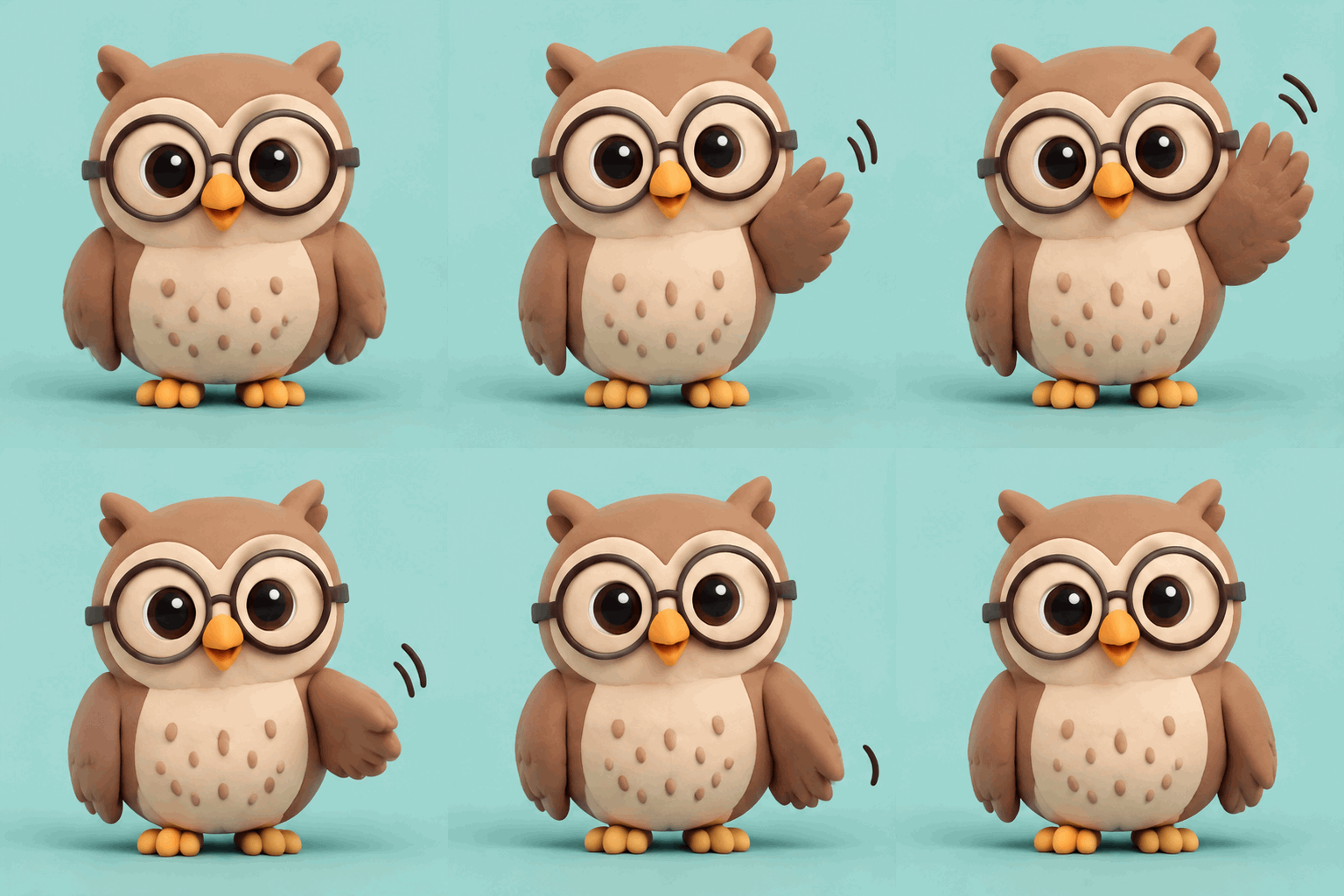
Lift → wave → return
Compare nine-frame Flare and Sunburst files with a six-frame assembled version. Inspect the motion and the settings actually disclosed by the source.
Using these examples
Decide whether you need a native animation or a static sheet before copying.
Watch a full cycle and check how the final frame returns to the first. Source sheets, where available, are labeled separately.
The coffee cat is assembled from six cells. The owl compares native GIFs with sheet assembly. Details list measured dimensions, frame counts and durations.
Edit the instruction on the detail and copy it directly. A sheet route also needs the creator’s assembly command. Translations, source text and provenance are included on-page.
The GIFs come from published repositories by conanssam and ailingqu. Each detail gives its source, creator credit and MIT or CC BY 4.0 license.
ailingqu pairs each of the eight new files with a published English prompt. The coffee cat includes the creator’s command and sheet. The owl prompt expands a public template and the detail explains which API settings were disclosed.
This collection provides copyable instructions and published results. Run them in a compatible ChatGPT, Codex or Images API workflow. A static sheet needs frame assembly.
Find more examples and complete prompts for your next project.