




Do these prompts require a photo?
All ten examples are text-to-image and use no real-person reference photos. To preserve your own appearance, use a separate reference-photo editing workflow and check likeness yourself.

Professional profiles · 10 generated examples
Explore 10 image examples and bilingual prompts for LinkedIn-style profiles, team directories, portfolios and author bios.
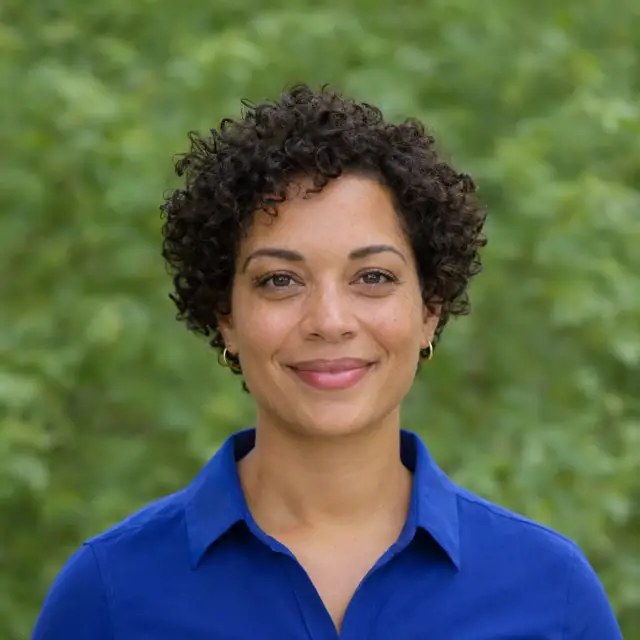
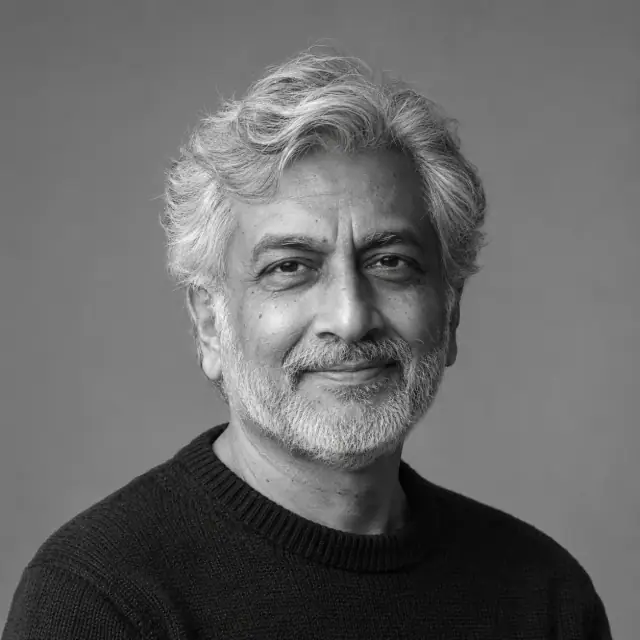
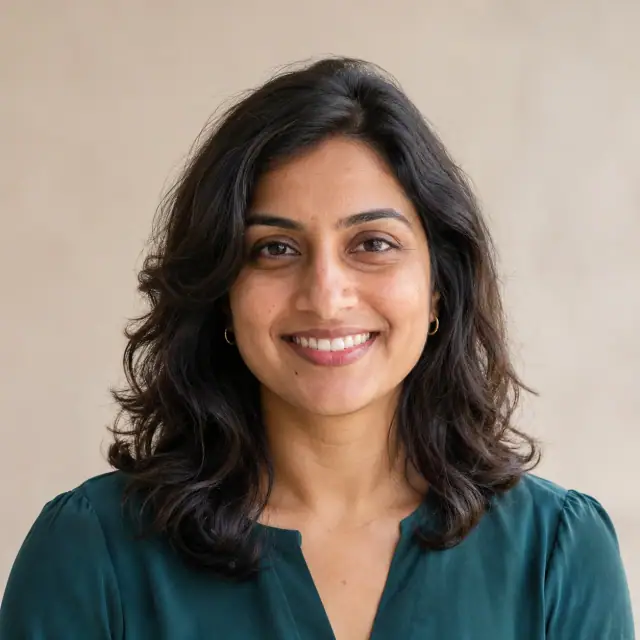
Codex’s built-in image generation tool made these ten fictional adults from text. Open the example closest to your use case to copy the full prompt and see what to adjust in the lighting, backdrop or framing.


Curated prompts
Professional profiles and leadership bios
A pale backdrop and dark jacket keep the outline readable at small sizes. For a darker leadership portrait, check the shadow-side eye and separation at the shoulders. In the monochrome author portrait, grayscale contrast separates hair, face and knitwear.
Personal profiles and workplace bios
A warm plain wall and window light suit an approachable profile. To keep a hint of the workplace, use a soft office backdrop and keep the face brighter than the room. Outdoors, try open shade and keep bright foliage away from the face.
Team and event pages
For a team directory, align backdrops, eye lines and crops. A slight shoulder turn can add variety on a speaker page while keeping face sizes consistent.
Profiles for specific roles
Plain scrubs and a shared backdrop suit a clinic directory. A few pieces of pottery and shelving can establish a maker’s workspace.
Adapt and check
Choose the destination first, then settle on a backdrop and lighting.
Start at eye level with a centered chest-up crop. Preview a circle and a small thumbnail to check the space around the hair, face and chin.
Keep the framing and change either backdrop brightness or key-light direction. Check the shadow-side eye, lens reflections and hair edges before adjusting expression or clothing.
If you edit your own photo, start with a clear reference and specify whether to change only the backdrop or light. Compare facial shape, feature proportions and skin tone with the original before using it on a profile.
All ten examples are text-to-image and use no real-person reference photos. To preserve your own appearance, use a separate reference-photo editing workflow and check likeness yourself.
The images were generated with Codex’s built-in image generation tool. Each detail includes the English instruction that was run and a Chinese translation. The same instructions have not been tested in the ChatGPT interface.
Find more examples and complete prompts for your next project.