Are these prompts for editing my own photo?
This page focuses on photographic scenes generated from text. Use the photo-editing collection for existing images and the personal-photo collection for your own reference.

Examples with complete prompts
Compare natural light, studio lighting and a phone-photo look for text-to-image photographic scenes.
These examples describe new photographic-looking scenes from text rather than requiring your own photo. Compare mist, sunset, street light, studio control and monochrome contrast. For changing an existing image, use the photo-editing collection; for a personal reference, use the pictures-of-yourself collection. Existing examples were reviewed, not regenerated in this update.
Curated prompts
Choose by visual goal
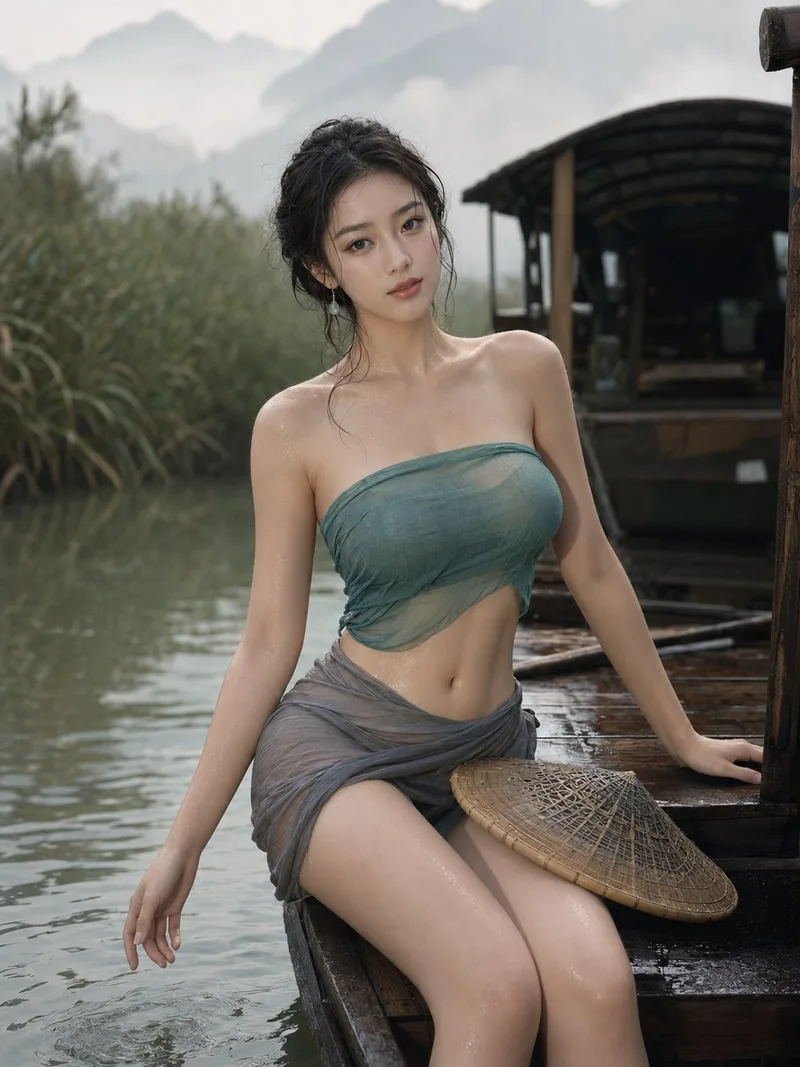
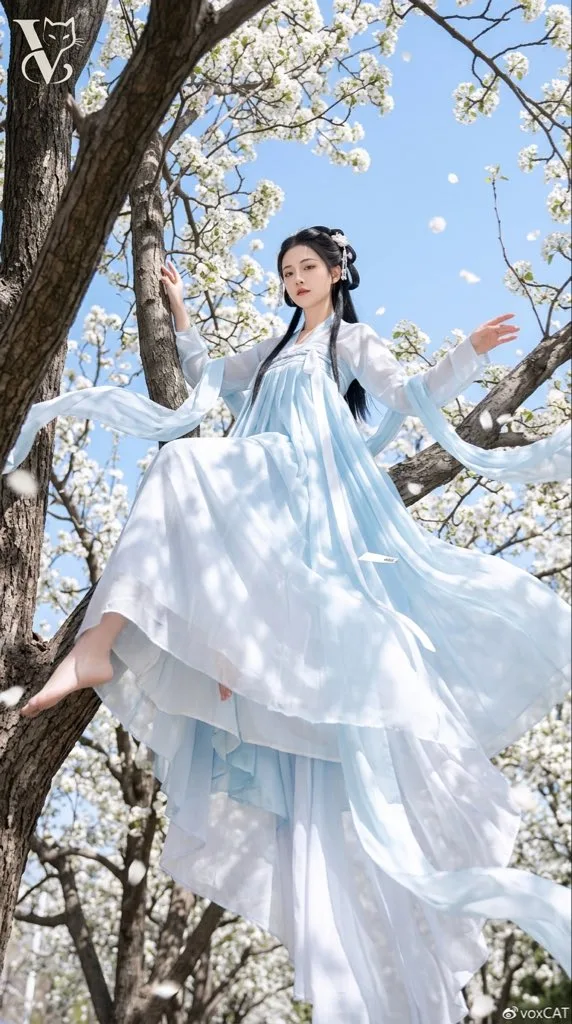
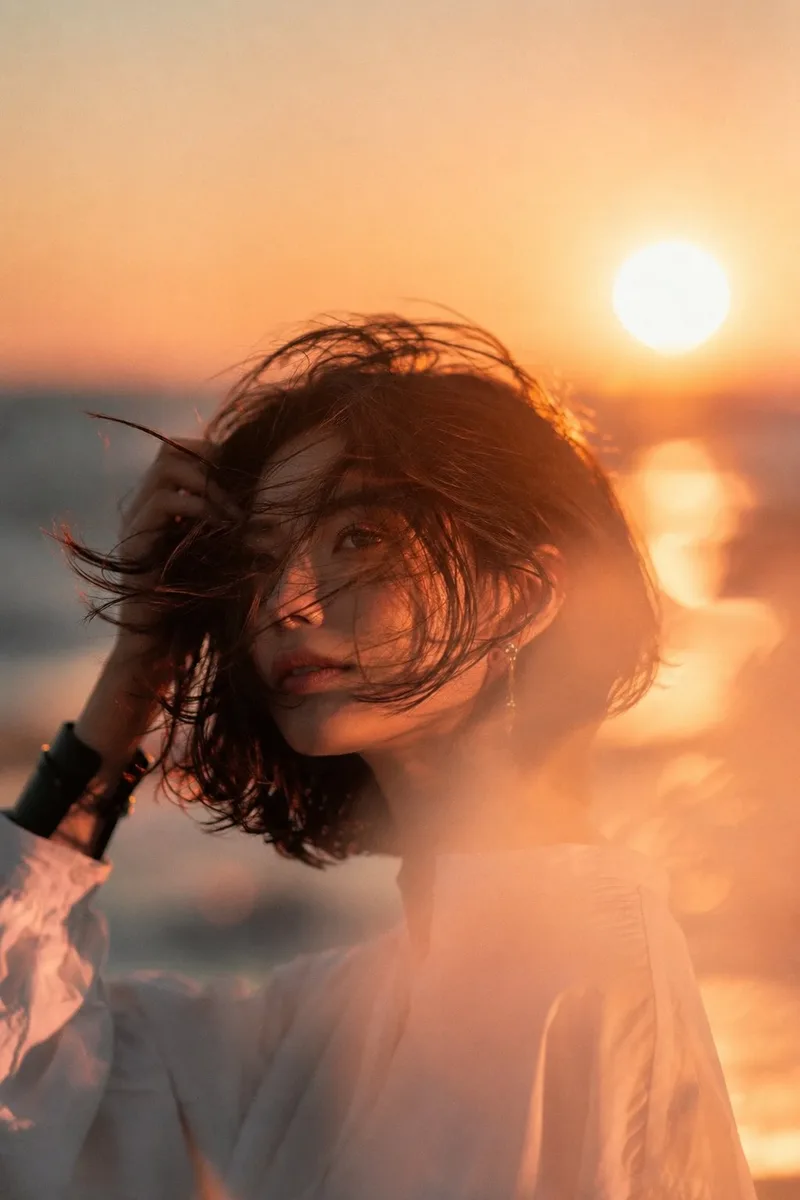
The boat portrait uses mist and water reflections to separate depth; the blossom portrait uses an upward view and flowing fabric; the sunset portrait emphasizes backlight and diffusion. Choose the light direction before changing styling. The blossom prompt contains source marks and the sunset prompt includes other-tool parameter syntax; read those conditions before adapting them.
Choose by visual goal
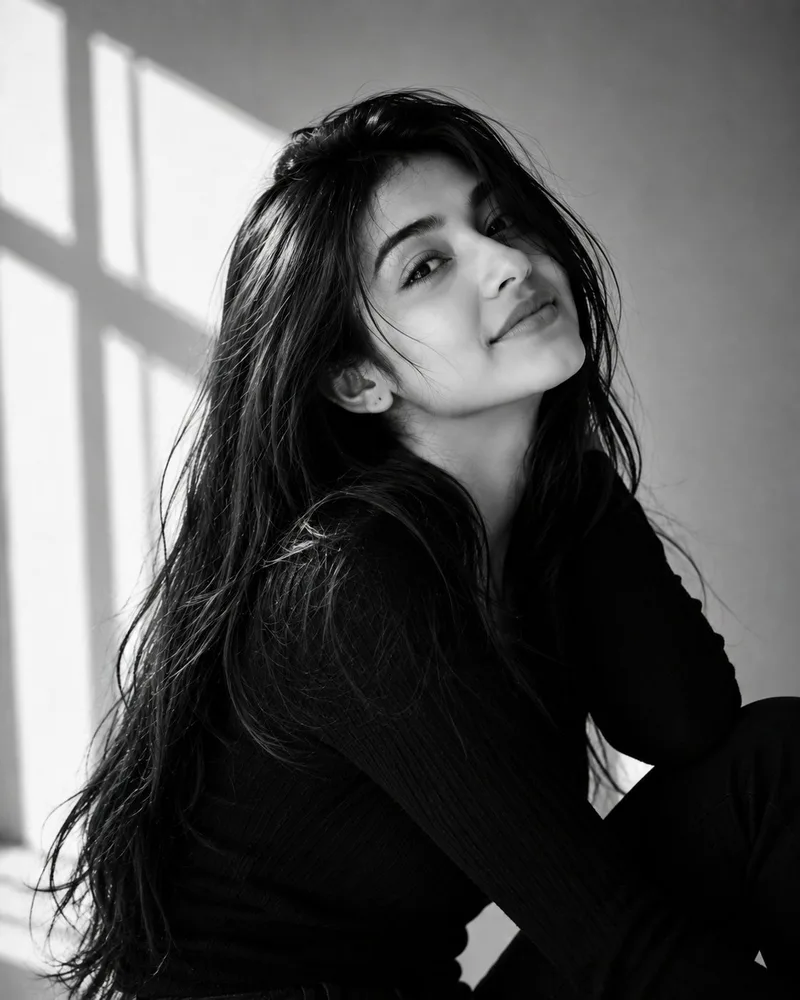
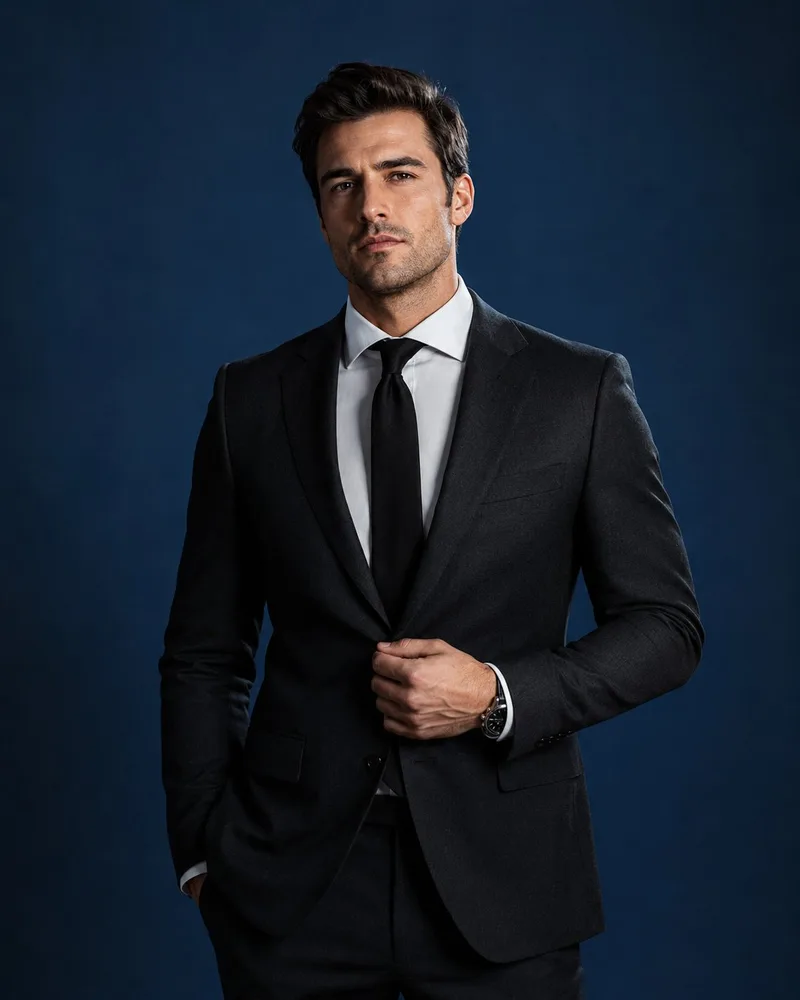
The deep-blue studio example separates subject exposure from the backdrop. The monochrome window portrait removes color and relies on shadow boundaries and a turned head. The tailored-suit scene is a creative studio example, not a certified headshot service or an identity-preservation test.
Choose by visual goal
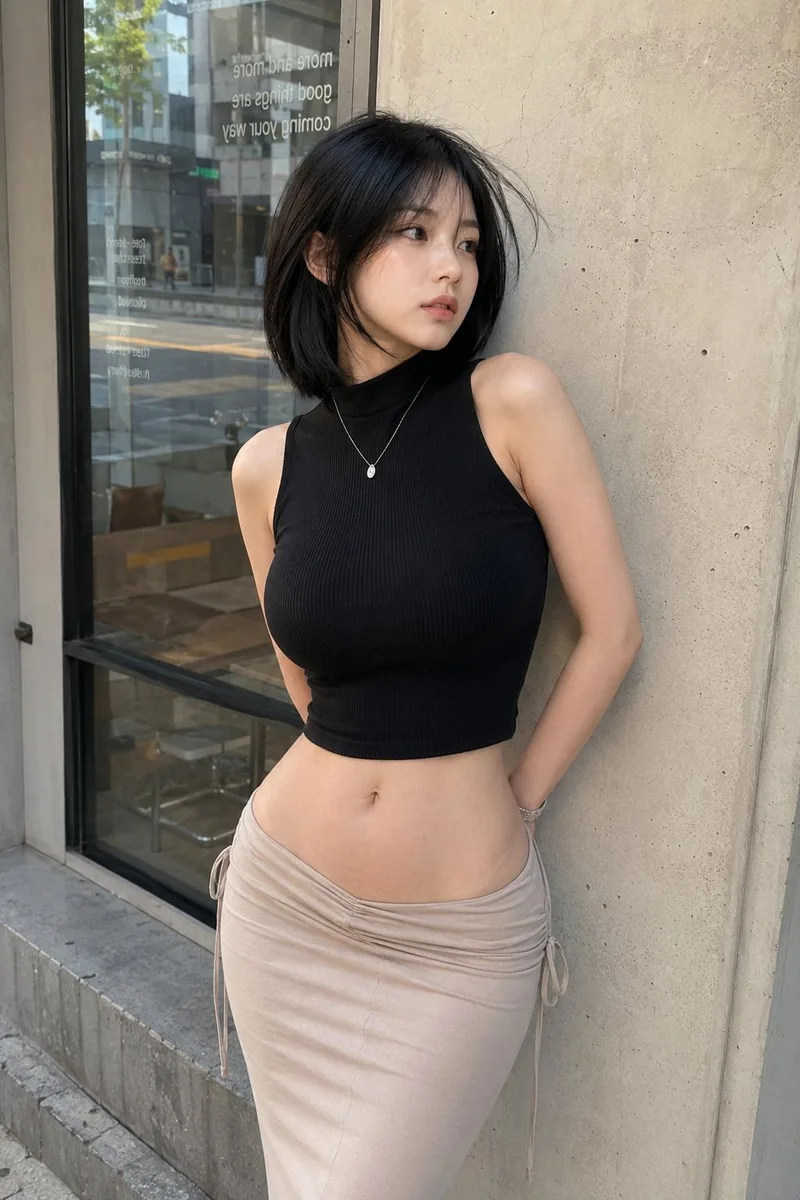
The café example specifies a smartphone look, daylight and an eye-level view. Use it to study everyday reflections, fabric and handheld framing. Avoid piling on incompatible cinema-camera, long-lens and elaborate studio-light instructions.
From selection to revision
Each detail retains the complete prompt, input requirements and example context. Decide on a goal and revise one part at a time; an example does not guarantee identical output across models.
Mist gives soft depth, sunset gives edge light and a studio gives backdrop control. Establish one main lighting logic before changing the rest.
Terms such as 85mm, 105mm or a film stock describe framing and texture here. They are not EXIF or proof that a physical camera was used. Leave enough space for groups and environmental context.
Keep the subject, pose and lighting stable while changing either styling or location. Inspect hands, faces, perspective and any source-specific lettering.
This page focuses on photographic scenes generated from text. Use the photo-editing collection for existing images and the personal-photo collection for your own reference.
No. These are reviewed existing prompts and their associated media, not new ChatGPT performance tests.
Find more examples and complete prompts for your next project.